
Free
Free
For everyday desktop use.
- App launcher and multiple local workspaces
- Full local backup and restore
- Official app downloads within your allowance
- Text-based Builder creation and preview; AI billed separately
DESKTOP TOOLS, MADE PERSONAL
Discover small apps for everyday tasks, or describe what you need and create your own. Run them in Aelrox.
Free plan available · AI usage billed separately
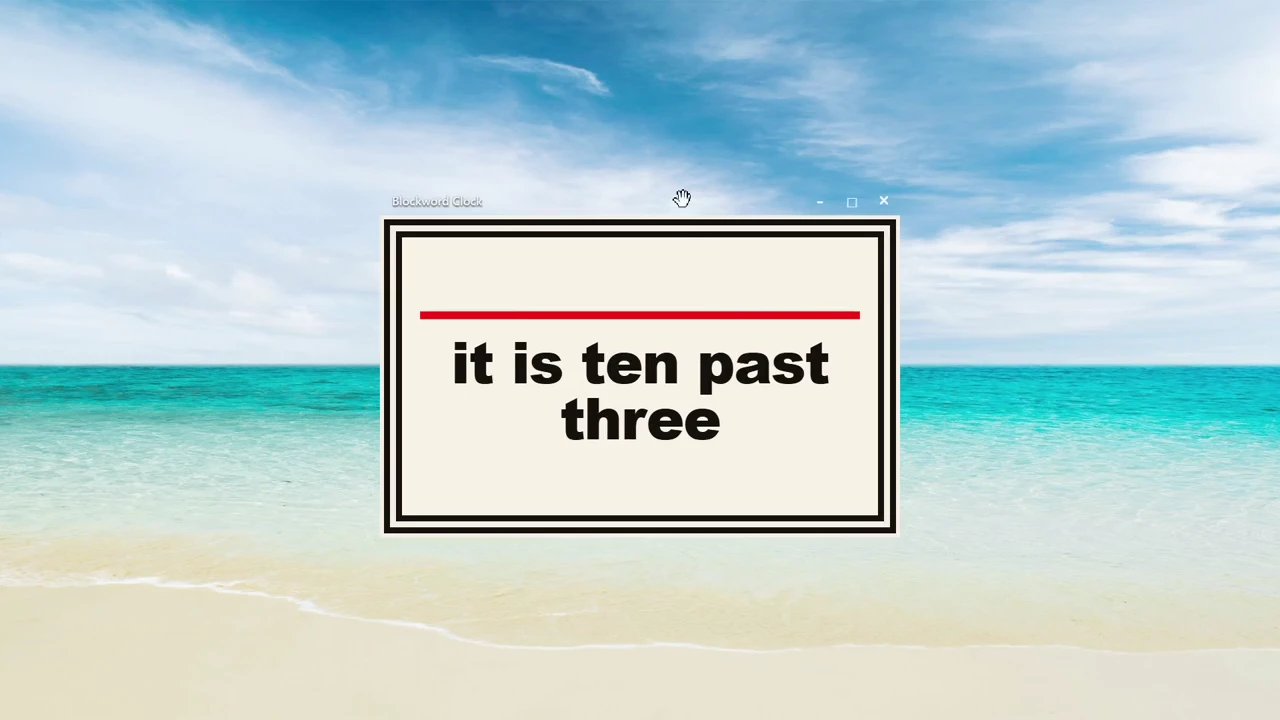
Discover, create and run desktop tools.
START WITH A READY-MADE TOOL
Notes, clocks and desktop companions. We call these small, focused apps micro apps.
Browse micro apps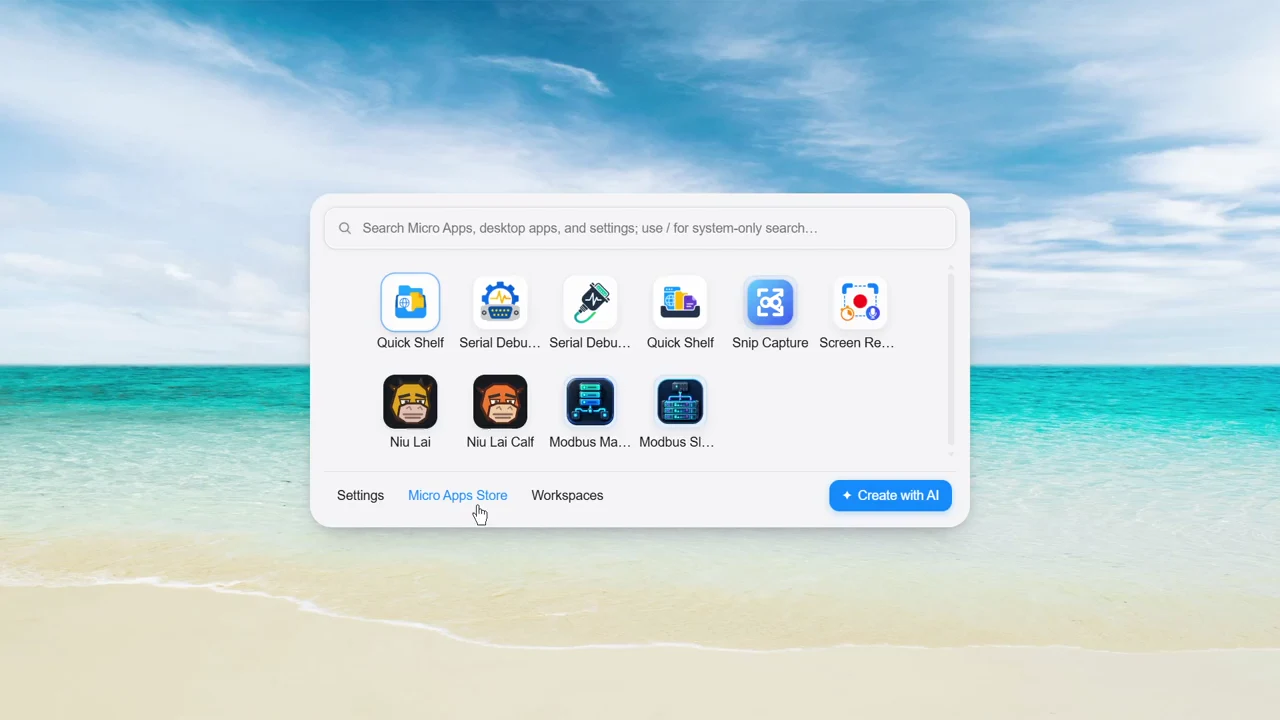
From the store to your desktop.

A true hacker's clock.

Record a desktop region with countdown, microphone options, trim planning, export, and recent recordings.

A focused Native serial debugging workbench with guarded connection states, binary-safe capture, filters, timed sends, and truthful log export.
READY WHEN YOU NEED THEM
Press Ctrl + Space. Your apps and tools are ready to go.
Explore the launcher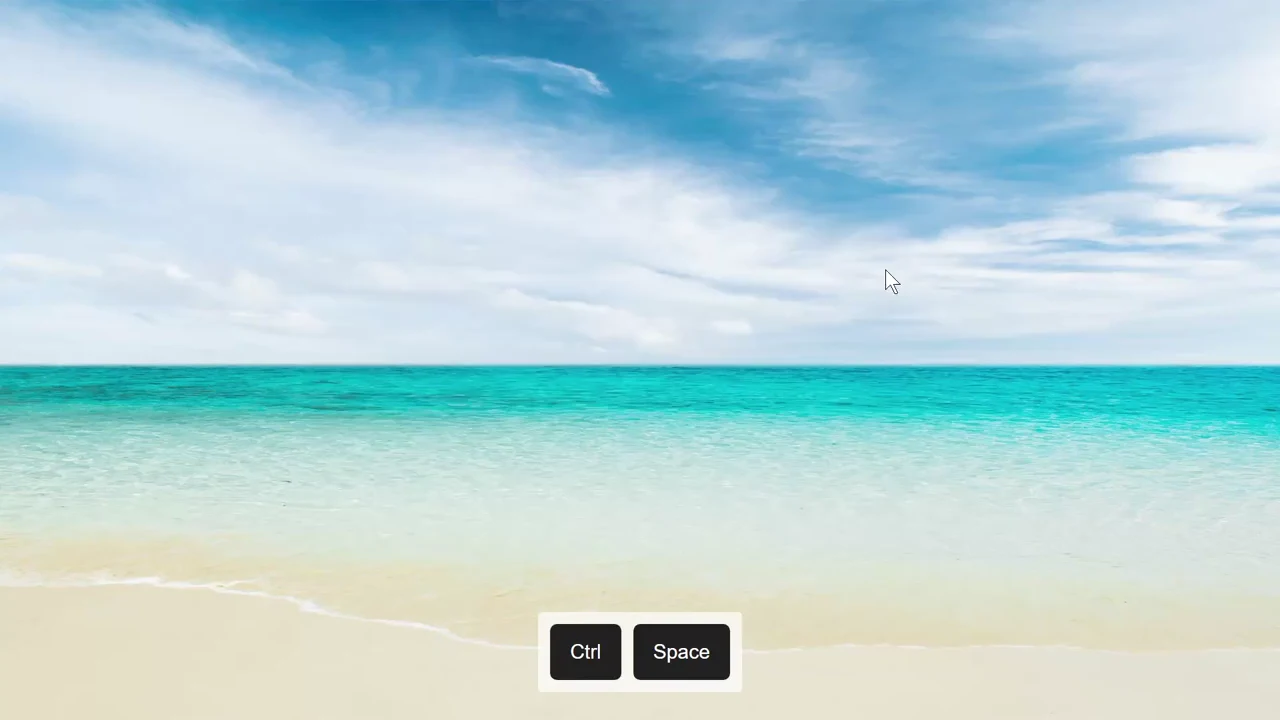
Search. Press Enter. Get going.
LOCAL WORKSPACES · INCLUDED IN FREE
Keep work and play in their own spaces.
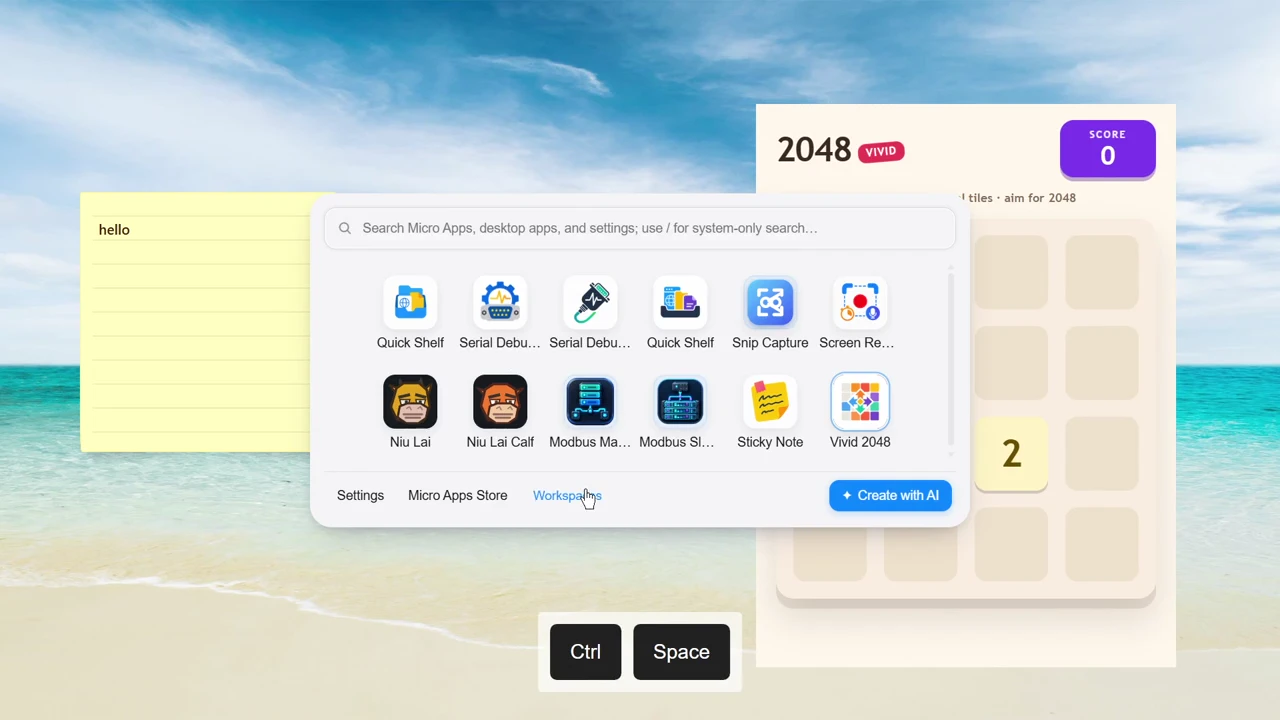
Switch workspaces. Bring the right tools into view.
A LITTLE ROOM FOR PLAY
A little personality for your desktop.
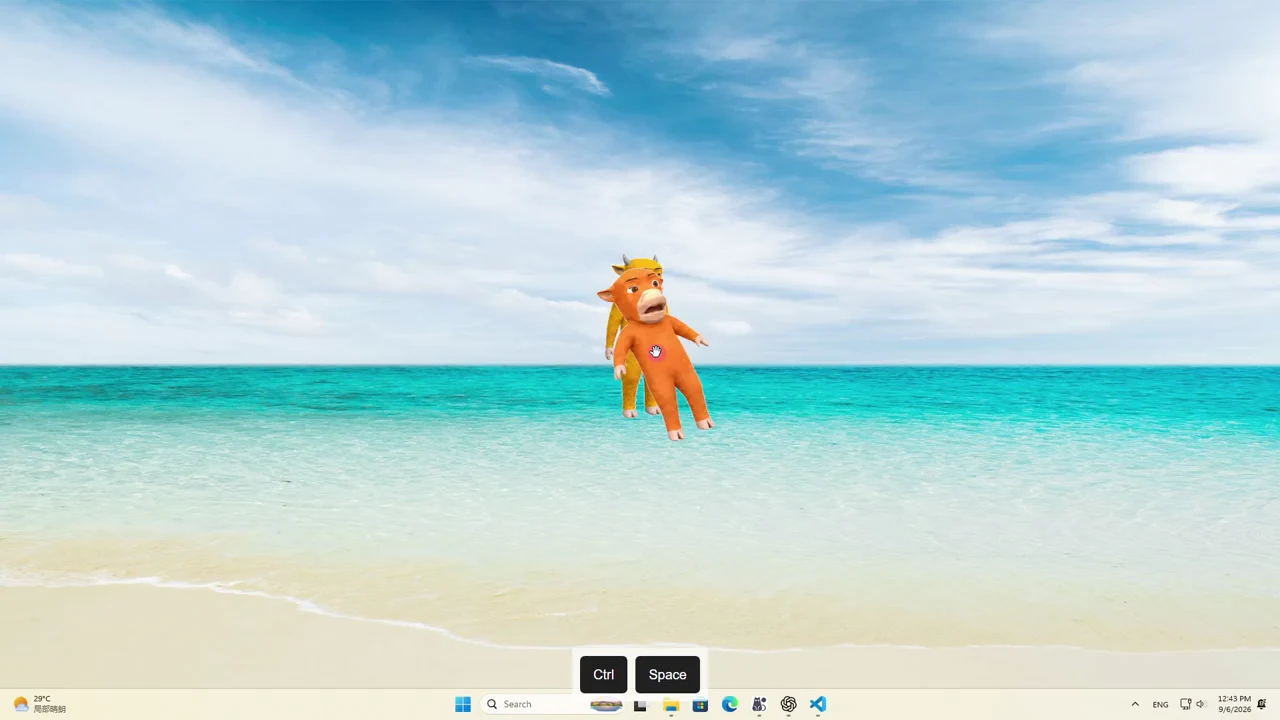
Desktop companions, on your terms.
HAVE SOMETHING ELSE IN MIND?
Describe what you need. Build and refine it with AI.
Create a simple word clock.
Uses AI balance · View pricing
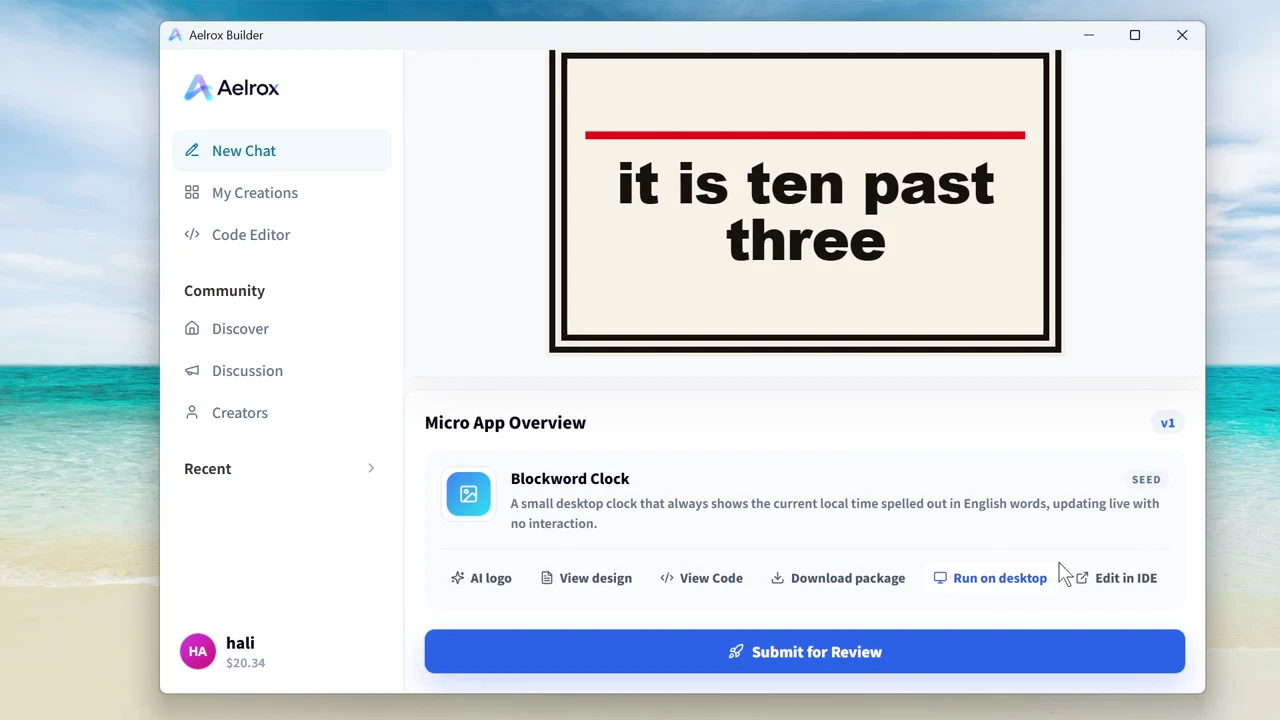
From a simple idea to a desktop tool.
Check and test AI-generated tools on desktop.
BUILT FOR YOUR DESKTOP
Record your screen, work with files and connect devices. These features require Aelrox desktop.
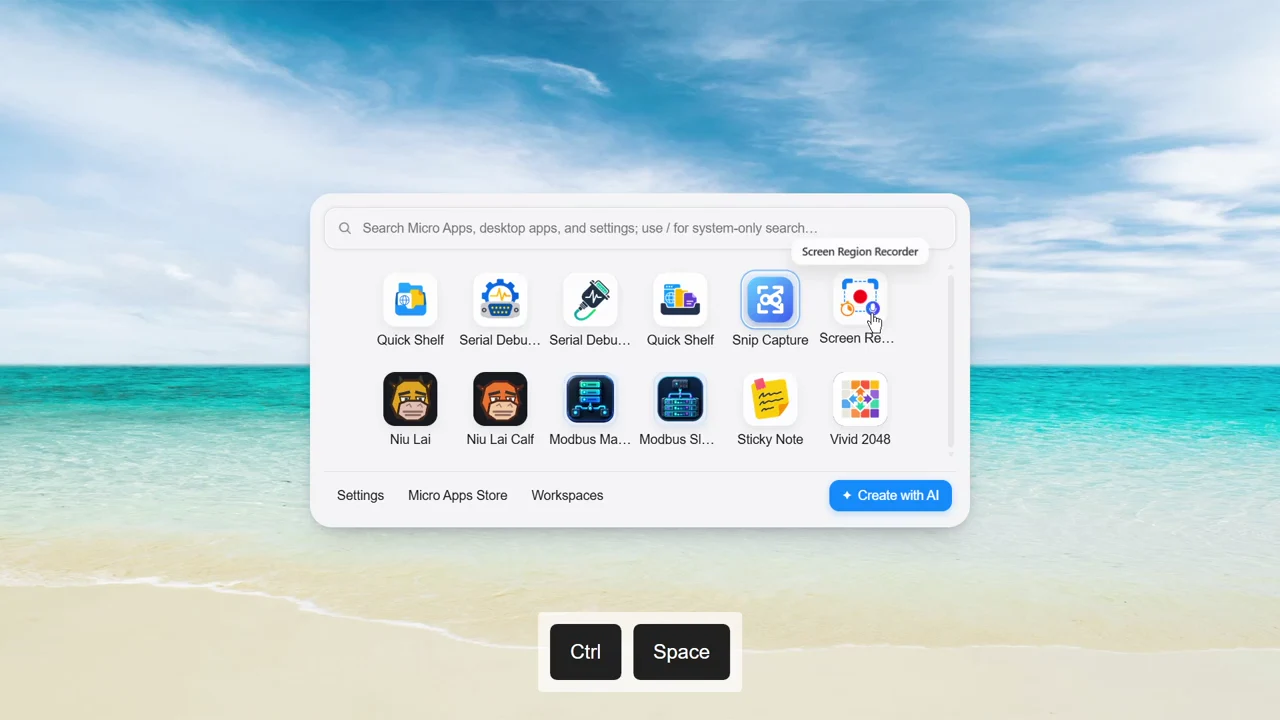
Record your screen. See the result.
Review each tool’s permissions in Settings.
Read the permissions and safety guide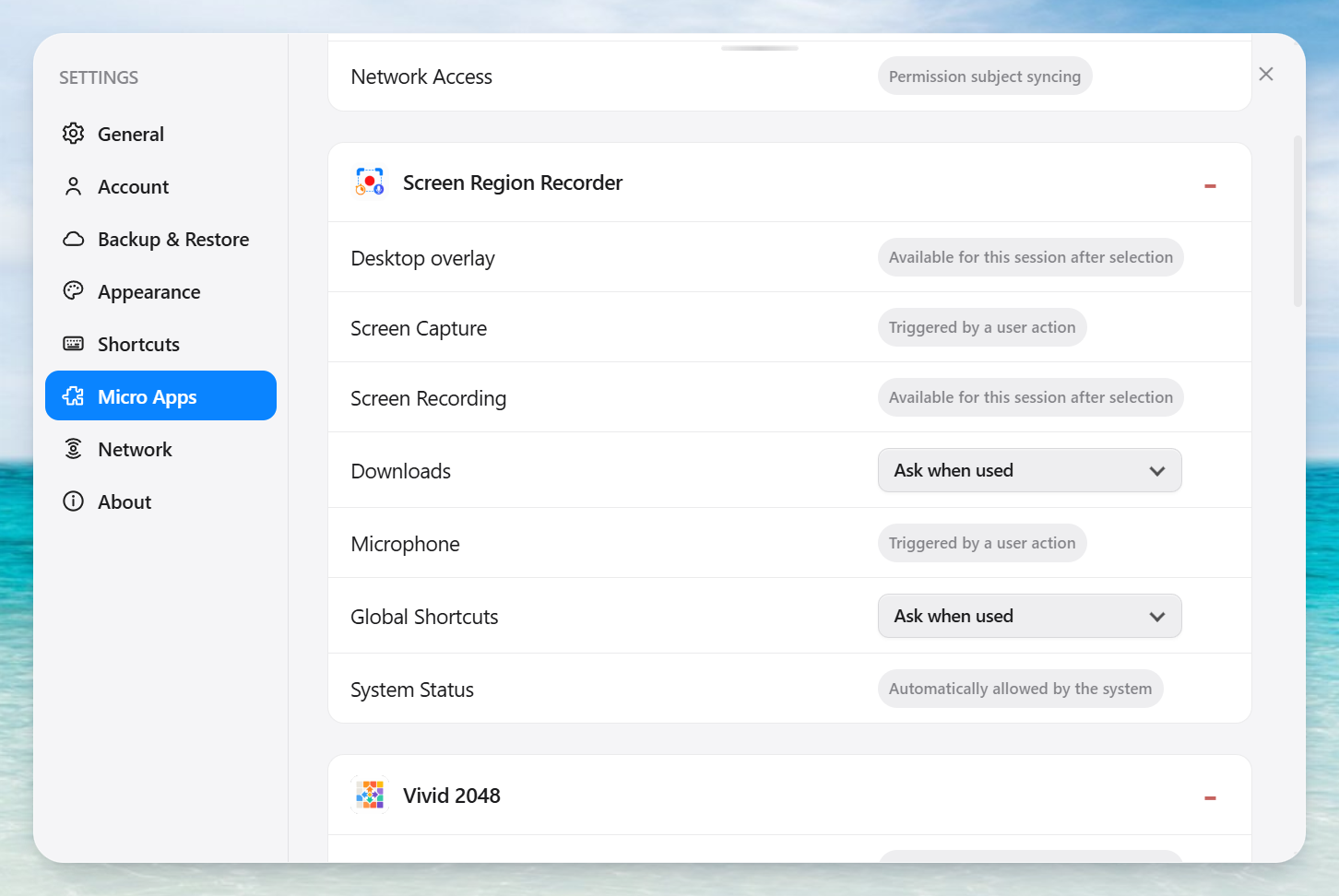
START SIMPLE. GROW AS NEEDED.
Everyday essentials for free. More cloud and creation features with Pro.
For everyday desktop use.
Free features, plus cloud backup and asset creation.
Use AI balance with Free or Pro. Costs follow each task quote; Pro does not include unlimited generation.
See current plans for prices and allowances.
Compare Free and Pro benefitsCheck the download page for supported systems, available releases and installation requirements. Desktop micro app features require the Aelrox client.
View systems and downloadsUse the website to discover tools, read details and preview them. File, screen and device features that depend on the desktop SDK require Aelrox desktop. A web preview does not show every runtime capability.
View systems and downloadsBuilder conversations and generation tasks use AI balance, with costs shown in task quotes and managed separately from Pro. AI-created tools do not necessarily use AI while running; this depends on their features and services. Check each tool’s description.
Learn about AI balanceFree includes the launcher, multiple local workspaces, full local backups and running installed micro apps. When Pro expires, Free limits apply to new store downloads; cloud backups and Builder assets require active Pro. A tool’s own online or paid services may have separate requirements.
Read about Free and ProStart with a plain-language description, then refine the first version through conversation. Check and test the result; complex ideas may take several revisions. Verify desktop capabilities in the client.
Read the AI creation guideScreenshots, file operations and device connections need corresponding access. Check that each request matches the purpose, and allow only what the task needs. If the reason is unclear, decline and stop the tool.
Understand permissions and safetyMove your pointer to the top of a micro app to reveal its toolbar, then close it. You can also keep the toolbar visible in settings. Right-click a desktop pet to close it from its menu. Installed tools can be reopened from the launcher.
Read the guideAelrox combines an app launcher, community desktop micro apps and AI Builder. Find installed apps quickly, use community tools, or create a desktop tool for your own needs with AI.
Browse community toolsGET STARTED
Download and install the desktop app.
Download AelroxChoose a tool, review its details and add it.
Browse toolsOpen it from the launcher and get going.
Read the quick startOnly essential storage is on by default. Optional cookies can be managed anytime. Privacy Policy